 how-to
Storage Unit Rental Process Steps: A 2026 Guide
Table of Contents
- Step 1: Assess Your Storage Needs and Inventory
- Step 2: How to Choose the Right Storage Unit Size
- Step 3: Compare Unit Types and Facility Features
- Step 4: Know What Documents Are Required for Self Storage
- Step 5: Review Storage Unit Rental Agreement Terms
- Step 6: Understand Costs, Fees, and Payment Setup
- Step 7: Inspect the Unit and Complete Your Move-In
- Storage Unit Rental Process Steps: Common Mistakes to Avoid
- Frequently Asked Questions
Last Updated: October 21, 2026
Step 1: Assess Your Storage Needs and Inventory
The storage unit rental process steps start with one honest question: what actually needs to leave your house? Most people overestimate how much space they need because they picture every item they own instead of the items they're storing.
Walk through each room and write it down. Group everything into three lists:
- Store now: furniture, seasonal gear, keepsakes, business inventory
- Donate or sell: anything you haven't touched in a year
- Keep at home: daily essentials and documents you may need
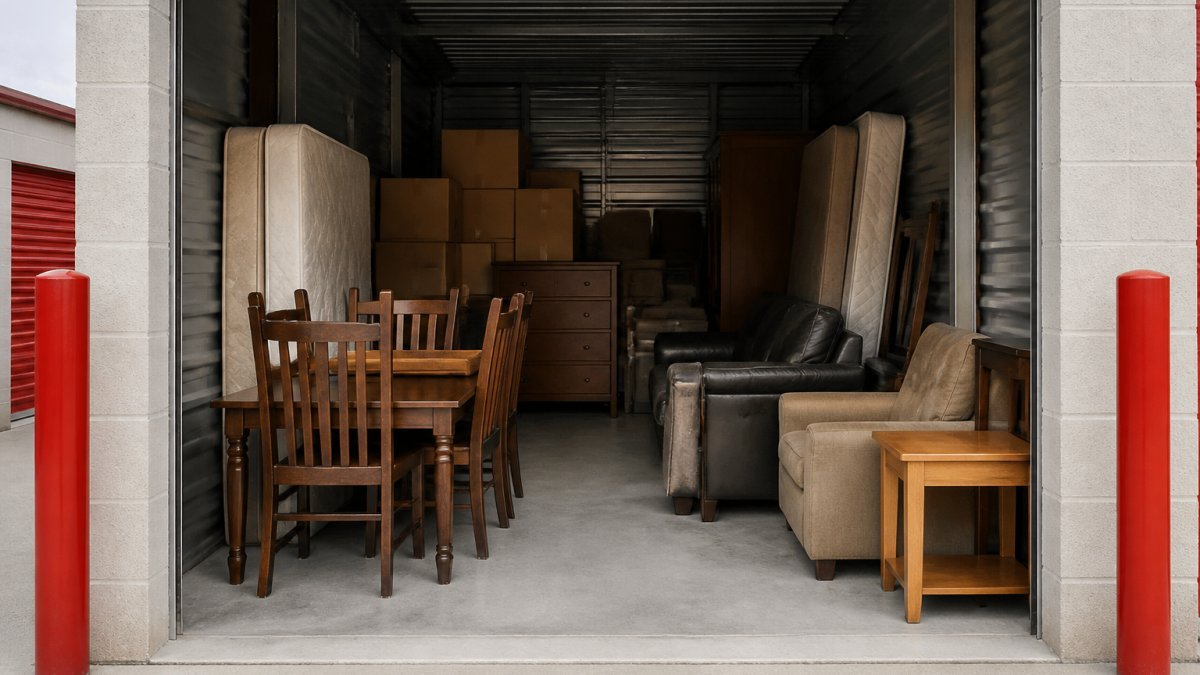
Measure the big items. A sofa, a mattress, and a dining table eat space fast. Note the length, width, and height of each piece so you can match them to a unit later.
Step 2: How to Choose the Right Storage Unit Size
The right storage unit size is the smallest one that fits your inventory plus a little breathing room for access.
Here's a practical matching method:
| Unit Size | Rough Dimensions | Typical Contents |
|---|---|---|
| 5x5 | Small closet | Seasonal decor, a few boxes, small furniture |
| 5x10 | Walk-in closet | Studio apartment, mattress set, boxes |
| 10x10 | One-car garage | One-bedroom home, appliances, small sofa |
| 10x20 | Standard garage | Two to three bedrooms, large furniture |
| 10x30 | Extra-long garage | Full house or business inventory |
Take your inventory list and stack it mentally. Boxes go floor to ceiling along the walls. Furniture goes in the middle.
Leave a walkway down the middle. You'll thank yourself the first time you need the box at the back.
Step 3: Compare Unit Types and Facility Features
Unit type matters more than most renters realize. Four common options cover nearly every situation:
- Climate-controlled units hold steady temperature and humidity. Best for wood furniture, electronics, documents, and family heirlooms.
- Drive-up access lets you park beside the door. Best for heavy items and frequent trips.
- Indoor units sit inside a building with hallway access. Best for security and weather protection.
- Outdoor units are usually the budget option. Best for lawn equipment, tools, and durable goods.
Ask about access hours before you commit. A facility that closes at 6 p.m. is useless if you work late. Check lighting, cameras, and gate controls too. Security is a fair question, and a good facility answers it without flinching.
Step 4: Know What Documents Are Required for Self Storage
Most facilities ask for three things: a government-issued photo ID, your contact information, and a payment method. That's it for a standard rental.
Here's what to have ready:
- Driver's license, state ID, or passport
- Current address and phone number
- Email for your account setup and receipts
- A credit or debit card for autopay
Business renters sometimes need a company name and a second contact. Vehicle storage may require proof of registration and insurance.
The rental agreement itself is the document that matters most. Read it before you sign, not after.
Step 5: Review Storage Unit Rental Agreement Terms
A storage unit rental agreement is a contract that sets your monthly rent, your rights, and the facility's rules. The signature takes seconds. The terms last as long as your rental, and in most states, the facility can enforce them through a lien on your belongings if payments stop. Read every clause before you sign, and ask the manager to point to the exact language for anything you don't understand.
Here is what to check, line by line, and what a fair agreement typically looks like:
- Rental duration and renewal: Month-to-month is standard and usually the most flexible. Confirm whether the agreement auto-renews each month and whether you must give notice to end it. A month-to-month term means you are not locked into a year, but it also means the facility can change terms with the notice period stated in the contract.
- Rate increase policy: Ask directly how often rates can change, how much notice you get, and whether the increase applies to your current unit or only to new rentals. Get the answer in writing, an email or a signed addendum is fine. A straight answer here tells you a lot about how the facility treats long-term renters.
- Payment due date, grace period, and late fees: Note the due date, whether there is a grace period, and the late fee amount and how it accrues. Set a calendar reminder a few days before the due date, and confirm whether the facility charges a fee for returned or declined payments.
- Autopay terms: If you enroll in autopay, read how the facility handles a failed charge, whether autopay is optional or required, and how to cancel it. Autopay prevents most late fees, but it does not excuse you from updating a card that expires.
- Insurance or protection plan requirement: Many agreements require proof of coverage before you move in. Confirm whether the facility's plan is optional or mandatory, what it covers, and whether your homeowner's or renter's policy satisfies the requirement.
- Prohibited items and use restrictions: Flammables, perishables, living creatures, and illegal goods are standard exclusions. Also check rules on vehicle storage, business inventory, and anything that could attract pests.
- Access hours and gate rules: The agreement should state access hours, whether they change on holidays, and what happens if you arrive after closing. Confirm the gate code policy and whether you can add an authorized user.
- Default, lien, and auction terms: Understand what happens if payments stop. Most states allow the facility to place a lien on the contents and eventually sell them at auction after notice. Ask how notice is delivered, email, text, certified mail, and how many days you have to cure a default.
A practical habit: photograph or scan the signed agreement and store it in your phone. When a question comes up in month eight, you will have the exact clause in front of you instead of a memory of what the manager said at move-in.
Step 6: Understand Costs, Fees, and Payment Setup
Monthly rent is only part of the bill.
Typical line items include:
- First month's rent and any prorated amount: If you move in mid-month, many facilities prorate the first month based on the days remaining. Ask whether the second month is billed on the anniversary of move-in or on a fixed calendar day.
- Security deposit: Sometimes refundable, sometimes applied to the final month. Confirm the refund conditions and timeline in writing.
- Administrative or setup fee: A one-time charge for processing the rental. Ask whether it is waived for online rentals or for certain unit types.
- Lock purchase: If you don't bring your own disc lock, the facility may sell one at move-in. Buying your own in advance is usually cheaper.
- Insurance or protection plan premium: Monthly or annual, depending on the plan. Confirm whether it is required and what it covers.
- Late fees and returned-payment fees: Note the amount and how they accrue. A single missed autopay charge can cost more than the monthly rent difference between two facilities.
- Rate increases: Ask how often rates can change and how much notice you get. A modest increase in month seven can erase the savings of a lower introductory rate.
Here is a simple way to compare facilities on total cost rather than advertised rent. Use placeholder numbers from your own quotes and fill in the blanks:
| Cost item | Facility A | Facility B |
|---|---|---|
| Monthly rent | $____ | $____ |
| Administrative fee (one-time) | $____ | $____ |
| Security deposit | $____ | $____ |
| Lock purchase | $____ | $____ |
| Insurance/protection plan (monthly) | $____ | $____ |
| Estimated 12-month total | $____ | $____ |
To estimate the 12-month total, multiply the monthly rent and insurance by 12, add the one-time fees, and then add a buffer for a possible rate increase and one late fee.
Set up autopay during account setup. It prevents late fees and keeps your account in good standing.
Insurance is worth a real conversation too.
Pricing varies by unit size, type, and availability, so ask the facility for a current quote rather than guessing from a website. Rates also change with demand and season, so a quote you received last month may not be the rate you sign today.
Step 7: Inspect the Unit and Complete Your Move-In
Inspect the unit before you load a single box. Look for moisture, pests, door damage, and anything that doesn't lock properly.
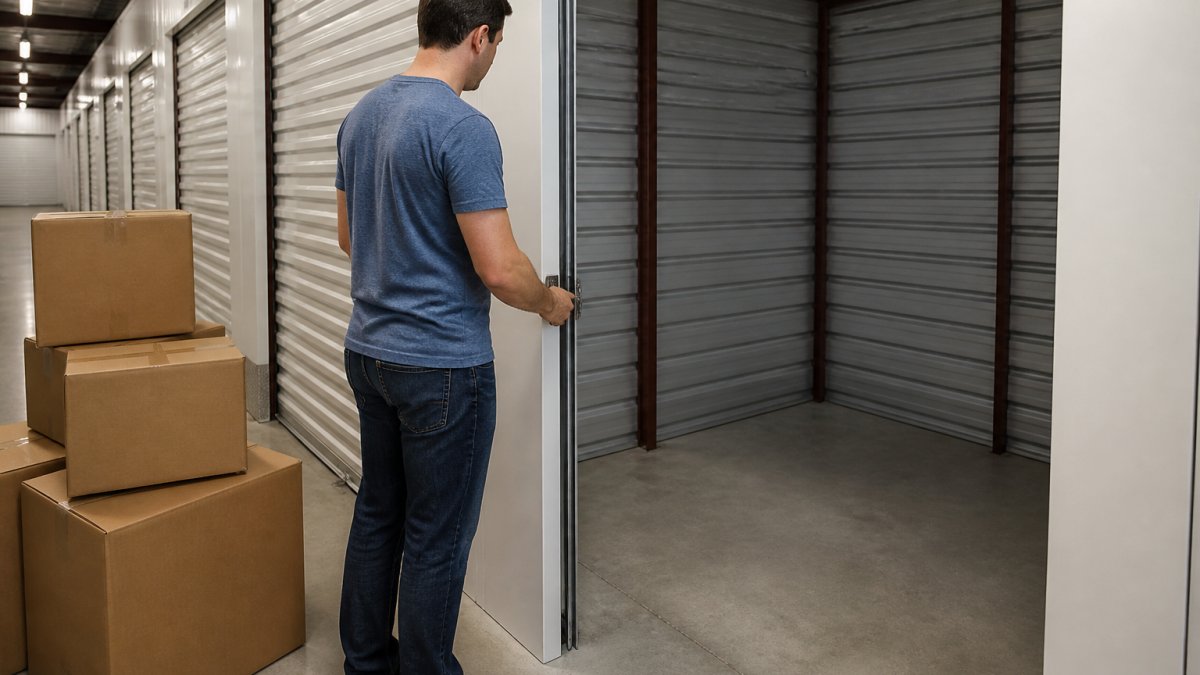
Then follow this move-in checklist:
- Sweep the floor and lay a plastic sheet or pallet down first
- Place heavy items on the floor and against the back wall
- Stack boxes with labels facing out
- Keep a walkway to the door
- Store fragile items on top, never underneath
- Leave a small gap between belongings and the walls for airflow
- Lock the unit and test the lock before you leave
Bring your own disc lock if you have one. They're harder to cut than a padlock.
Storage Unit Rental Process Steps: Common Mistakes to Avoid
The biggest mistake is signing before reading.
The second mistake is skipping insurance. Facilities don't automatically cover your belongings, and a protection plan is not the same as a homeowner's policy.
Third, don't pack without a plan. Boxes of mixed contents waste space and make retrieval painful.
Finally, confirm access hours, gate codes, and payment dates before move-in day. Small details cause big headaches when you're tired and holding a couch.
Frequently Asked Questions
What documents do I need to rent a storage unit?
Most facilities ask for a government-issued photo ID, such as a driver's license or passport, plus your contact information and a payment method. Some may request proof of address or a secondary contact. The storage unit rental process steps usually include verifying your identity at account setup, whether you rent online or in person. Ask the facility ahead of time so you arrive prepared and can complete the rental agreement without delays.
How does the online storage unit reservation process work?
Online rental typically involves selecting a unit size, reviewing the rental agreement terms, entering your personal information and payment method, and setting up autopay. You may receive access instructions and a gate code after signing. Some facilities require an in-person ID check before you get unit access. Confirm whether the online rate locks in your monthly rent or is subject to change, and read the cancellation and move-out terms before you submit payment.
How do I determine the right storage unit size for my needs?
Start by inventorying your belongings and grouping them by furniture, boxes, and bulky items. A small unit often fits a studio apartment or seasonal items, while larger units hold multi-bedroom home contents. Measure your largest pieces and check the unit's dimensions and door width. Climate-controlled, drive-up, and indoor units may change what fits. When in doubt, ask the facility to recommend a size based on your inventory list rather than guessing.
What should I look for when inspecting a storage unit before renting?
Check for a clean, dry floor, working door and lock, good lighting, and no signs of pests or water damage. Confirm access hours, security features like cameras and gate codes, and whether the unit is climate-controlled if you are storing wood furniture, electronics, or documents. Review the rental agreement for rate increase, late fee, and move-out rules. A quick inspection before signing helps you avoid surprises and protects your belongings.
Renting a storage unit shouldn't feel like a gamble. At Red D Stor, we keep the process simple with a straightforward rental agreement, clear communication about fees, and a secure facility close to home. Our team walks you through unit size, access, and coverage so you know exactly what you're getting before you sign. Get started with Red D Stor and reserve the right unit for your belongings today.